
To make translations manually, select the object for translation in the objects panel and enter the translations directly into the fields for each selected language.
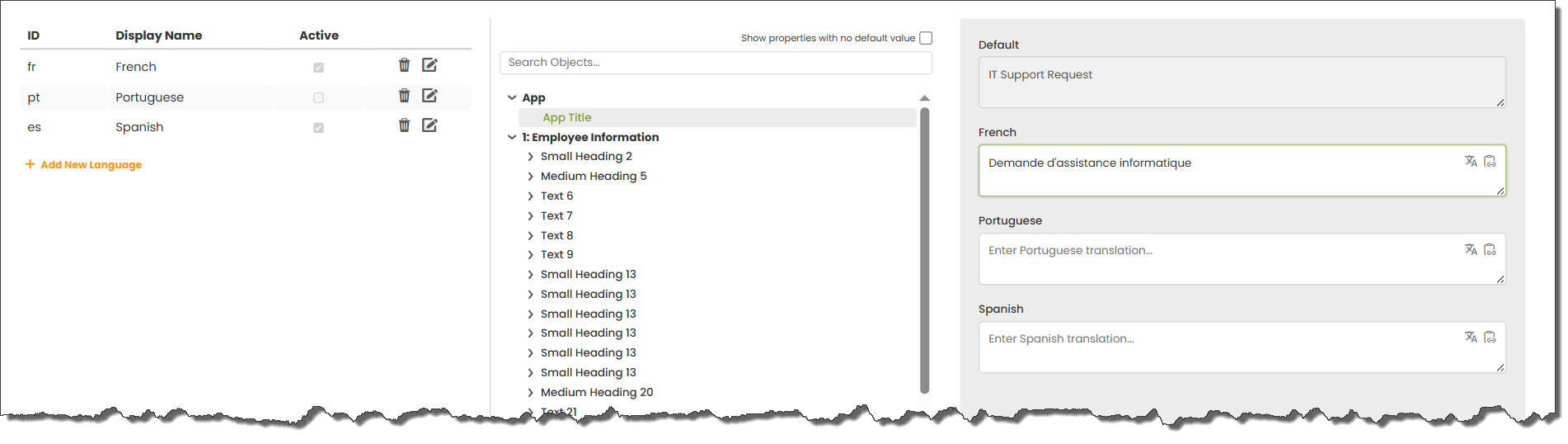
Alternatively, click the button  to copy the default text into Google Translate.
Use button  to copy the existing text in the box.
 |
It’s not possible to modify the text in the default language box since that is defined in the app object properties. |
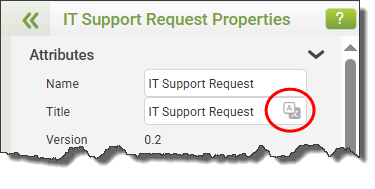
When one or more languages have been added, an option will be shown in an object’s properties panel, allowing the translation panel to be opened for that object.
See: Translations in the JSON File
See: Translations Using an AI Tool
Return to: Using Multiple Languages

